The Day My Agents Froze My Workstation
At 5:55 pm on a Saturday I held down the power button on my workstation and killed every agent running on it. Each agent had made a reasonable choice. Together they used up memory the machine couldn't take back, and nobody owned the total.
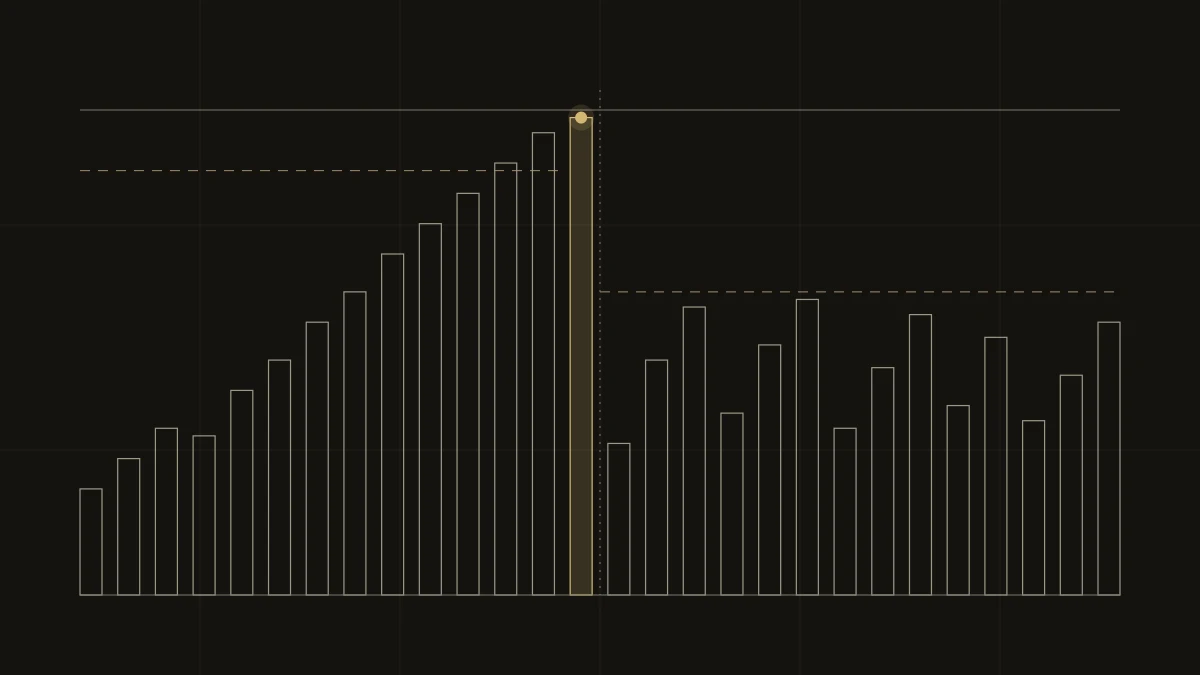
At 5:55 pm on Saturday, October 24, I held down the power button on my workstation. Every agent running on it died mid-task, along with hours of batch work.
The machine hadn't crashed in any visible way. It had just slowed down. From about 5:30 pm, a single request to a local AI model was taking fifteen minutes to come back.
Each agent had made a reasonable choice. Nobody owned the total. If your team is starting to run several AI agents on shared hardware, this is the failure to plan for.
What was running
The machine is a Mac Studio with 64 GB of memory. On Apple Silicon, the processor and the graphics chip (GPU) share that memory, which is what makes these machines good for running AI models locally. That afternoon it was hosting:
- a large AI model, about 30 GB on its own, for a long batch job,
- a smaller model that other agents use for quick judgments,
- a second app running its own separate model server (the program that loads models and answers requests),
- a speech-to-text model and an image generator,
- and about ten coding and research agents, each with its own work.
Each of those was fine alone. The problem was the sum, and nothing was keeping track of it.
Why the machine froze
Memory the GPU uses for a model is "wired," meaning the operating system can't move it to disk or compress it to make room. When ordinary memory runs low, macOS pushes things to disk or, at worst, closes an app. Wired memory gives it neither option, so the whole system just slows to a halt.
macOS limits how much memory the GPU can wire. I had raised that limit to 56 of the 64 GB so bigger models would fit. That was my mistake.
With the higher limit, the model server believed it had almost 55 GB to work with, so it saw no reason to stop loading models. Everything else, including ten agents, a browser and the operating system, was left squeezed into what remained.
Two smaller problems made it worse. The model server sizes some settings to the memory it thinks it has, so it reserved far more per model than my work needed. And the memory-saving settings I'd configured never took effect. A startup script meant to turn them on ran after the model server had already started. I'd set them correctly and never checked that they applied.
What I changed that evening
A guard that acts without asking. A small background job checks memory every five seconds. If two checks in a row look bad (free memory at 18% or less, a pressure warning from macOS, or the GPU holding more than 46 GB), it unloads the local models. They reload on the next request, so the cost is a few seconds of waiting.
If things get worse (free memory at 8% or less, or macOS reporting critical pressure), it shuts down the model processes outright. It doesn't send a notification and wait for me.
Lower limits. I lowered the GPU's wired limit to 40 GB. The model server now holds at most two models, uses a much smaller default working size, keeps 8 GB in reserve and handles one request at a time. If it starts at login without those settings, it gets restarted with them.
A claim rule for agents. My agents already share a status board. Before loading anything over 10 GB, an agent now has to claim the model server on that board and confirm that at least 40% of memory is free. Another agent can see who holds the claim and wait, or message the owner, instead of loading a second large model on top.
What the first week showed
From October 24 to 31 the guard unloaded models 137 times, 47 of them on the busiest day.
That number needs a caveat. Only 3 of those unloads happened because memory was actually running low. The other 134 were triggered by macOS's early pressure warning. The guard is cautious by design, and I haven't measured how many of those unloads were necessary or how long agents waited for models to reload.
The emergency stop fired twice, both times on macOS's critical-pressure signal while 28–29% of memory was still free and the GPU held only about 10 GB. One of those times it shut down a model process. So the GPU limit wasn't the whole story. The operating system's own pressure signal turned out to be the warning that mattered, and I only know that because the guard logs every action.
Why not just buy more memory?
More memory, or a dedicated machine for AI models, would move the ceiling. It wouldn't change the pattern. Ten agents that each assume they own the machine will fill a bigger machine too, just later. I'd rather have limits and a way for agents to see each other now, and decide about hardware once I know what the steady load really is.
What I'd tell a team running agents
This happened on one desk, but the pattern applies to any shared resource your agents touch: a GPU server, a staging database, an API with a rate limit, a test environment.
Give shared resources a claim system before you need one. People share a staging environment through a social layer. You see a colleague using it and you wait. Agents have no such layer unless you build one. It can be as simple as "check the board, then write your name on it." It works if the check is part of every agent's instructions and the board is visible to everyone, people included. Mine is a week old, so I can't yet say how much it has prevented.
Put an automatic brake on anything that fails slowly. Some failures announce themselves. Running out of memory on this machine doesn't. It gets slower until it stops. Protection for that kind of failure has to act on its own, and it should be cheap to undo. Unloading a model costs a few seconds, which is what makes it safe to automate.
Check that your safeguards are actually on. I had configured the right settings well before the crash. A startup race meant they never applied, and nothing told me. Most tools size themselves as if they own the machine, so once several agents share it, every "use what's available" default needs an explicit limit, and a check that the limit took.
The agents were fine. What was missing was dull shared plumbing, and you only notice it's missing when you go from one agent to ten.